Access Axe Monitor data directly from your AI workflow
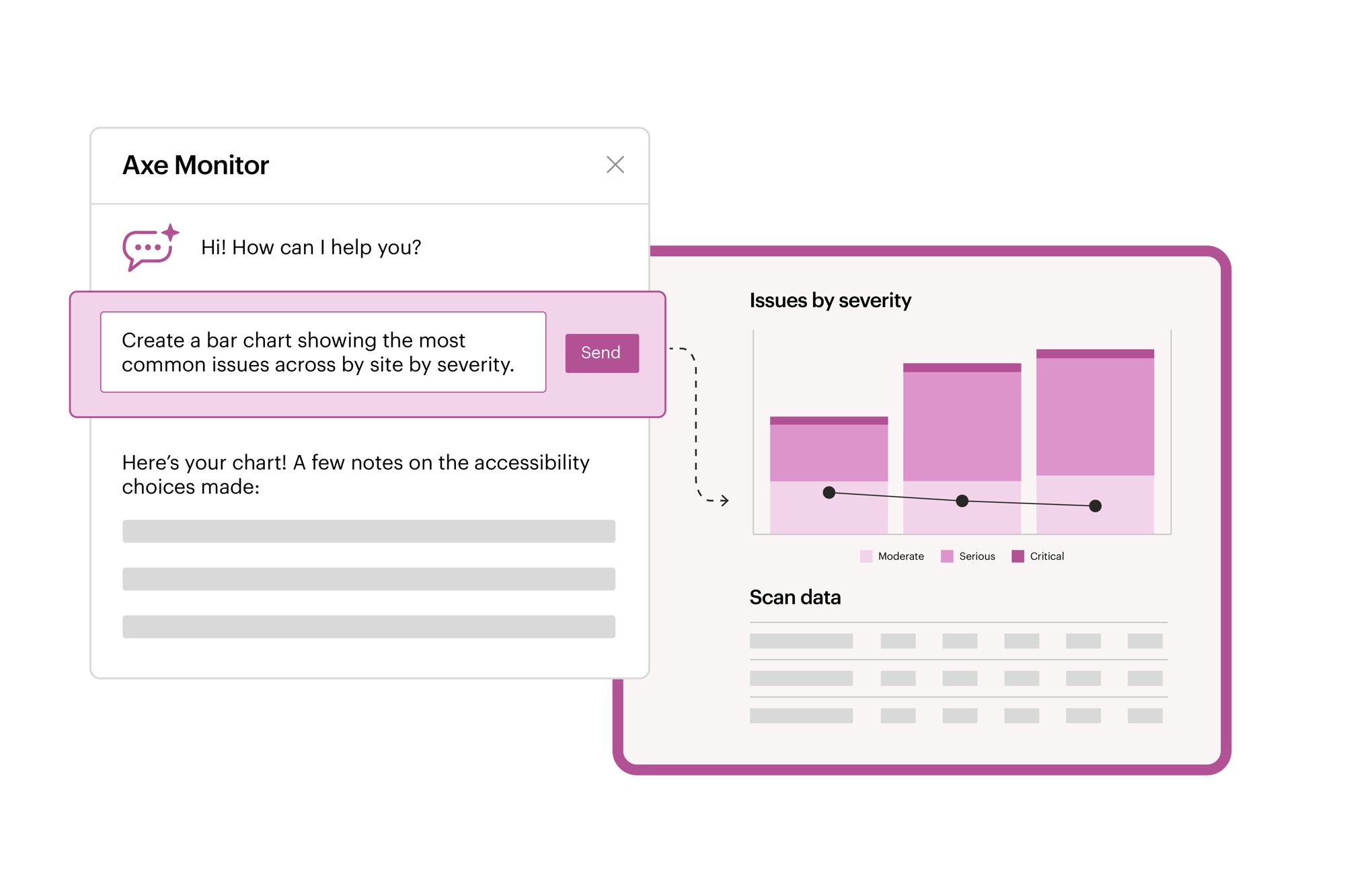
The Axe Monitor MCP server makes accessibility scan data accessible through your preferred AI assistant. Using natural language, you can ask questions about scan results, understand what changed between scan runs, prioritize issues, generate summaries and charts, and identify what to fix next—all without switching between tools.
Select admins can also create, edit and kick off scans directly through your chat agent. Configure and refine AI-assisted draft scans, while settings that impact compliance reporting and scheduling remain protected until reviewed in the Axe Monitor interface.
Spend less time analyzing results and more time fixing issues. With structured insights and engineer-ready guidance, teams can move from scan data to remediation faster and integrate accessibility testing seamlessly into existing AI workflows.
*Available to Axe Monitor SaaS customers using Claude or ChatGPT on version 8.8.